Installation
Requirements
- Slay the Spire (Steam version)
- ModTheSpire (Steam Workshop)
- BaseMod (Steam Workshop)
Installation Steps
- Subscribe to ModTheSpire and BaseMod on the Steam Workshop
- Download STSArena-0.4.0.jar (or see all releases)
-
Place
STSArena.jarin your Slay the Spire mods folder:-
Windows:
C:\Program Files (x86)\Steam\steamapps\common\SlayTheSpire\mods\ -
macOS:
~/Library/Application Support/Steam/steamapps/common/SlayTheSpire/SlayTheSpire.app/Contents/Resources/mods/ -
Linux:
~/.local/share/Steam/steamapps/common/SlayTheSpire/mods/
-
Windows:
- Launch the game through ModTheSpire and enable "STS Arena" in the mod list
Quick Start
Get started with arena practice in just a few clicks:
- From the main menu, click Arena Mode
- Select a saved loadout or choose New Random Loadout
- Pick an encounter (enemy) to fight
-
Battle! After winning or losing, you can:
- Rematch - Try the same fight again
- Modify Deck - Tweak your loadout and retry
- Continue - Return to selection screens

The Arena Mode button appears on the main menu
Features
Custom Loadouts
Build any deck with any cards, relics, and potions. Perfect for testing specific strategies or learning card interactions.
Any Encounter
Fight any enemy in the game - from early Cultists to The Heart. Practice bosses, elites, or tricky enemy combinations.
Instant Retry
Lost a fight? Retry immediately with the same or modified loadout. No need to start a new run.
Practice from Run
Mid-run against a tough fight? Use "Practice in Arena" from the pause menu to practice with your current deck.
Statistics Tracking
Track your win rate against specific encounters. See which fights give you trouble and measure improvement.
Save Management
Arena fights don't affect your normal run saves. Practice freely without worry.
Loadout Management
Loadout Selection Screen
The loadout selection screen shows all your saved loadouts. Hover over a loadout to preview its contents.
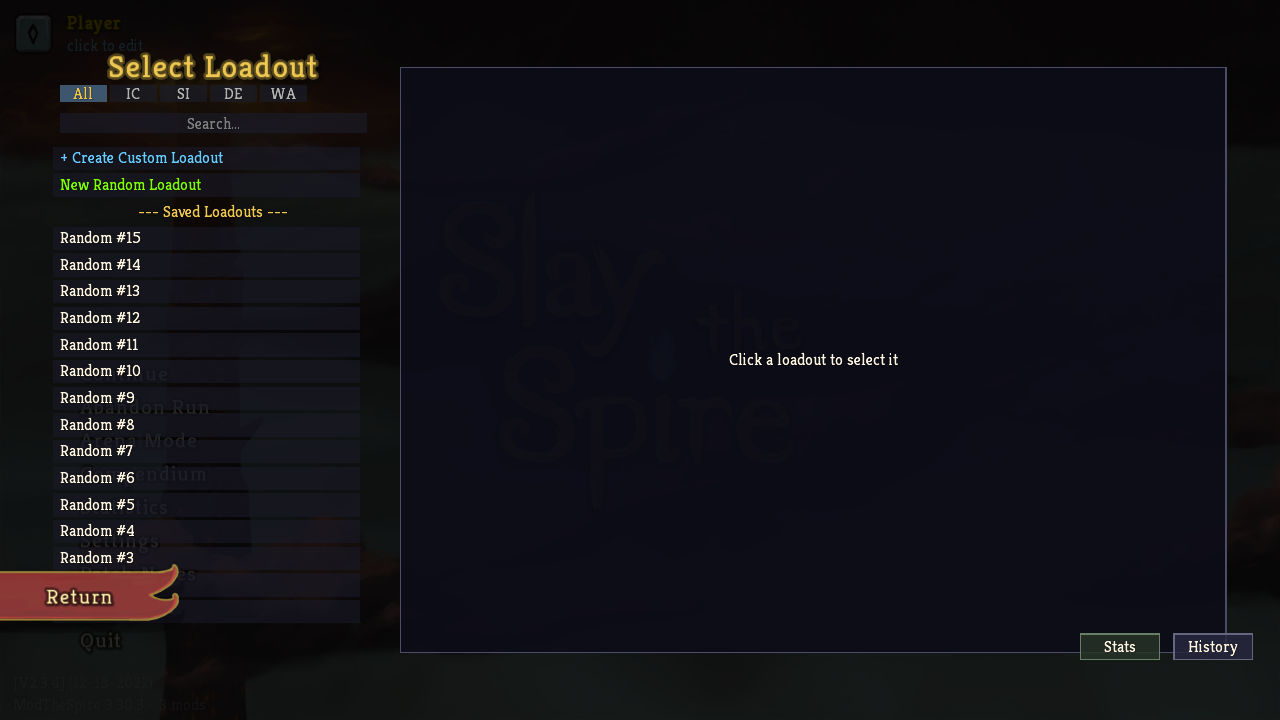
Select from saved loadouts or create a new random one
Available Actions
- Fight - Start an arena fight with this loadout
- Edit - Modify the loadout (changes saved to same slot)
- Copy - Create a copy to modify without affecting original
- Rename - Change the loadout's name
- Favorite - Mark as favorite for quick access
- Delete - Remove the loadout
- History - View fight history for this loadout
Creating Custom Loadouts
Use the Loadout Creator to build custom decks from scratch:
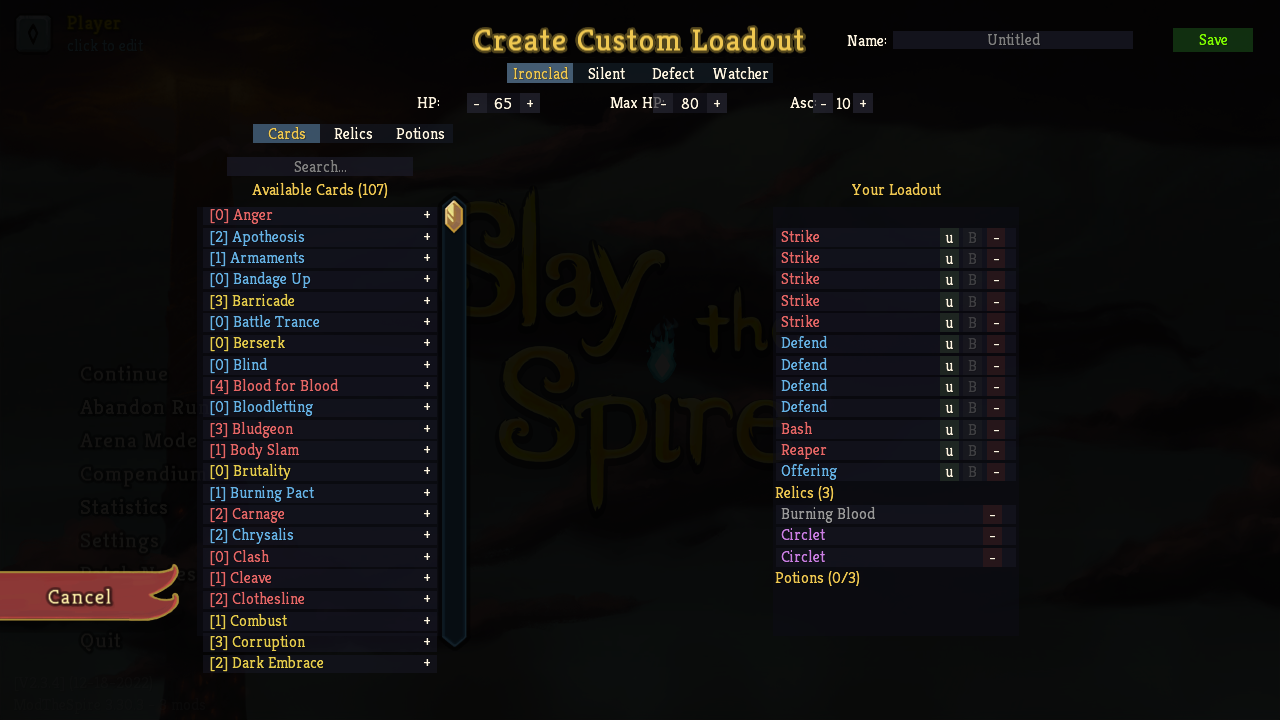
Build custom loadouts with any cards, relics, and potions
Creator Features:
- Character Selection - Choose any of the four characters
- Card Search - Search and add any card to your deck
- Relic Selection - Add relics (including those from other characters with Prismatic Shard)
- Potion Selection - Fill your potion slots
- HP Customization - Set your current and maximum HP
- Ascension Level - Practice at any ascension level (0-20)
Encounter Selection
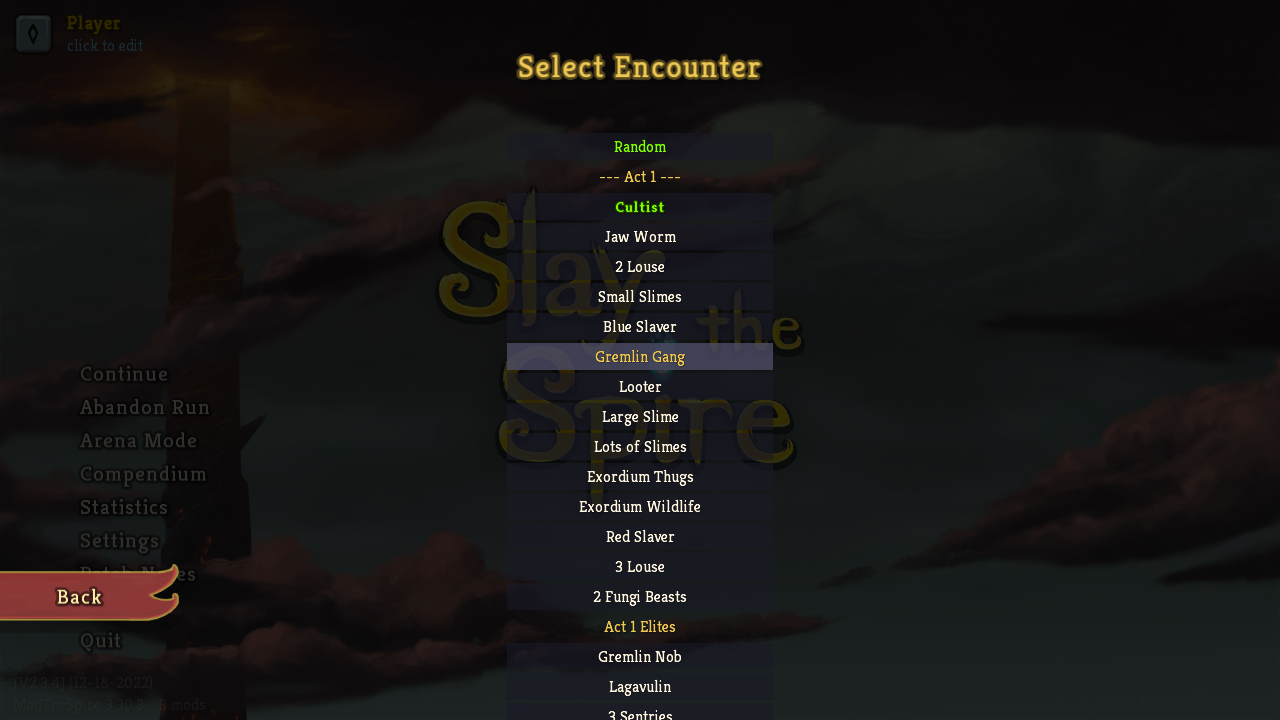
After selecting a loadout, choose which enemy to fight:
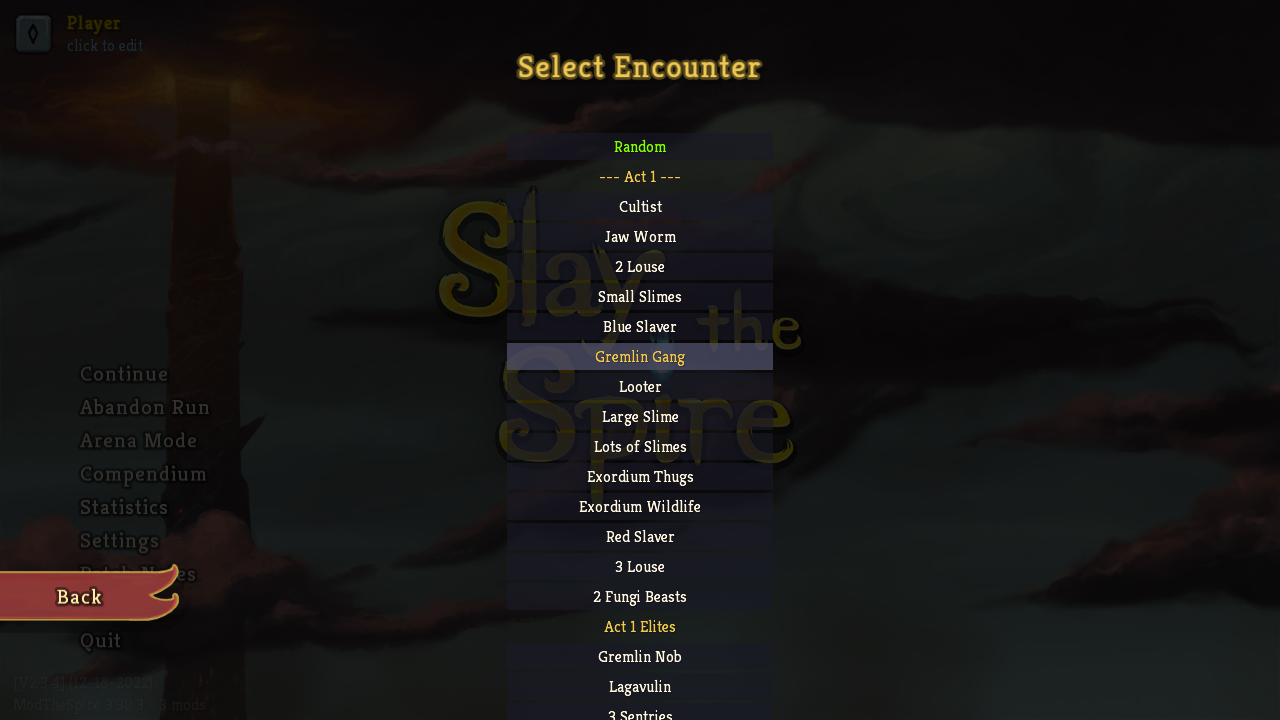
Choose any encounter from any act
Encounter Categories
| Category | Examples |
|---|---|
| Act 1 Normal | Cultist, Jaw Worm, 2 Lice, Gremlin Gang |
| Act 1 Elite | Gremlin Nob, Lagavulin, 3 Sentries |
| Act 1 Boss | The Guardian, Hexaghost, Slime Boss |
| Act 2 Normal | Chosen, Byrd, Snecko, Cultist and Chosen |
| Act 2 Elite | Gremlin Leader, Book of Stabbing, Slavers |
| Act 2 Boss | The Champ, Collector, Automaton |
| Act 3 Normal | Darklings, Orb Walker, Jaw Worm Horde |
| Act 3 Elite | Giant Head, Nemesis, Reptomancer |
| Act 3 Boss | Awakened One, Time Eater, Donu and Deca |
| Act 4 | Shield and Spear, The Heart |
Tip: Use the search box to quickly find specific encounters. The list shows your win/loss record for each encounter with the current loadout.
Arena Combat
Arena combat works just like normal Slay the Spire combat:
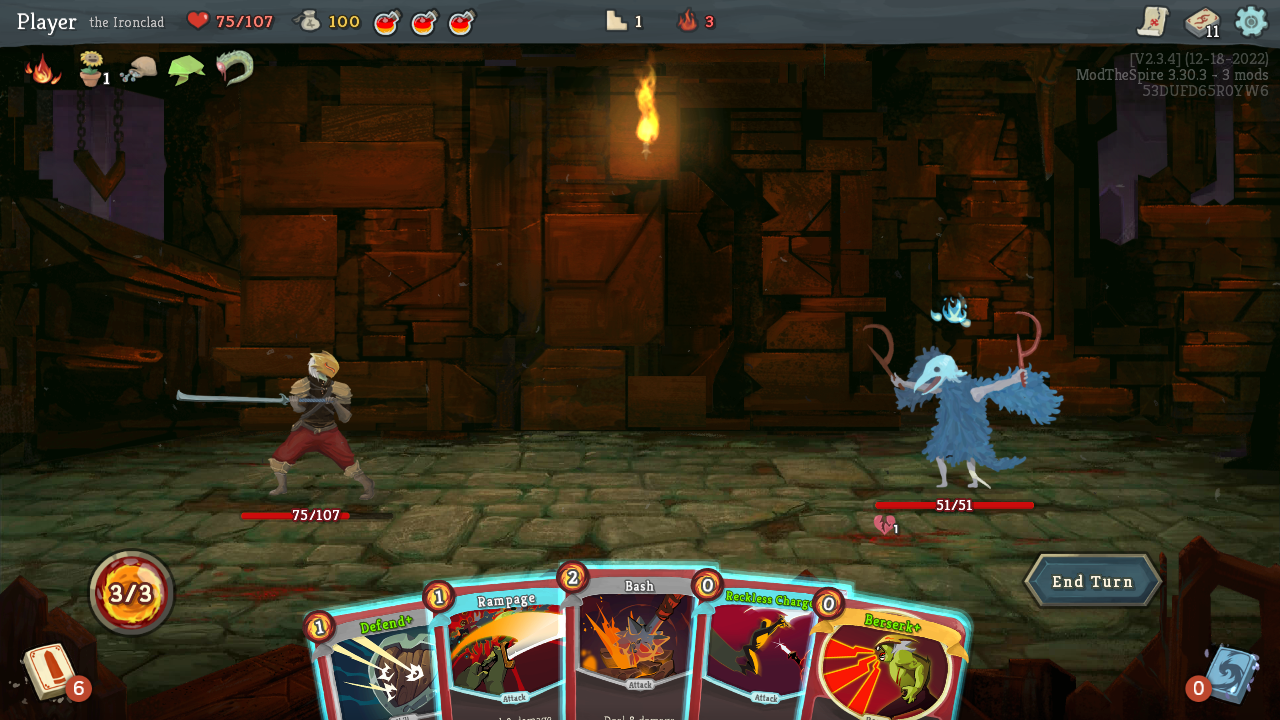
Combat plays exactly like the base game
Key Differences from Normal Runs
- No card rewards after victory
- No gold or potion drops
- Fight results are recorded for statistics
- Can instantly retry or modify deck after finishing
Victory Screen
After winning, you can choose to:
Victory options: Continue, Retry, or Edit Loadout
Defeat Screen
After losing, you can immediately retry:
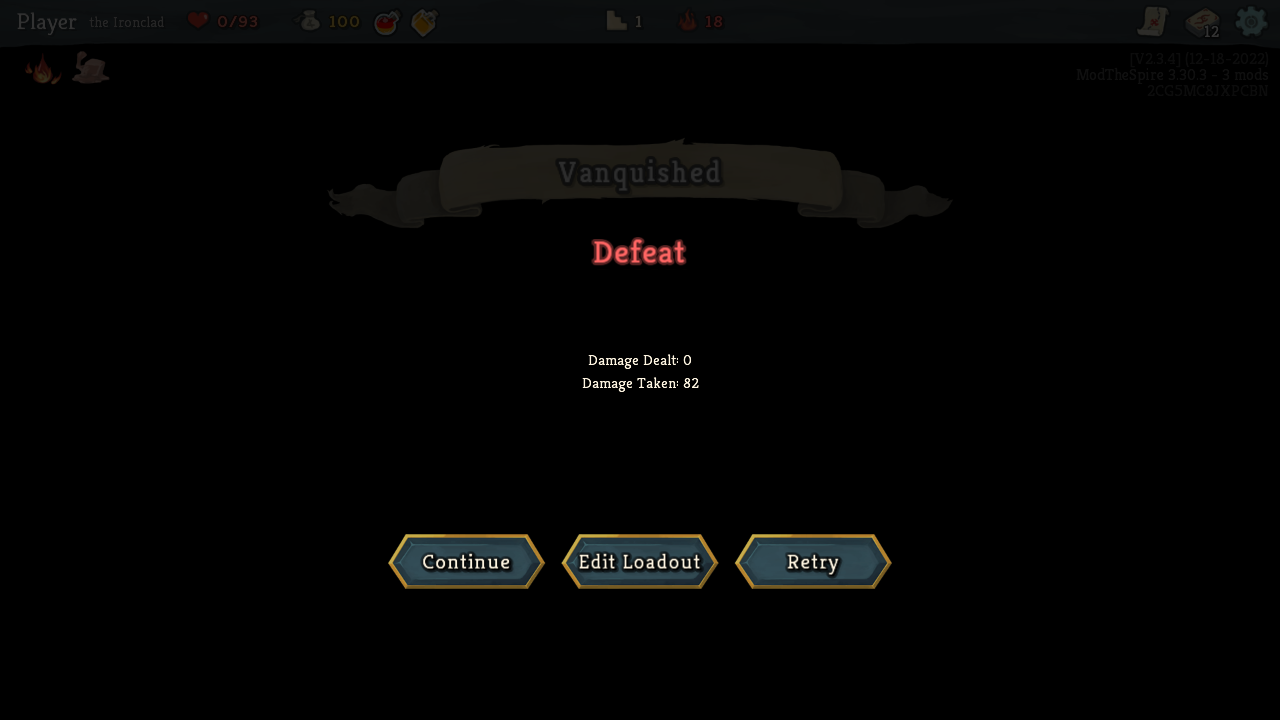
Defeat options: Continue, Retry, or Edit Loadout
Practice from Normal Run
Facing a tough fight in your normal run? Use the pause menu to practice:
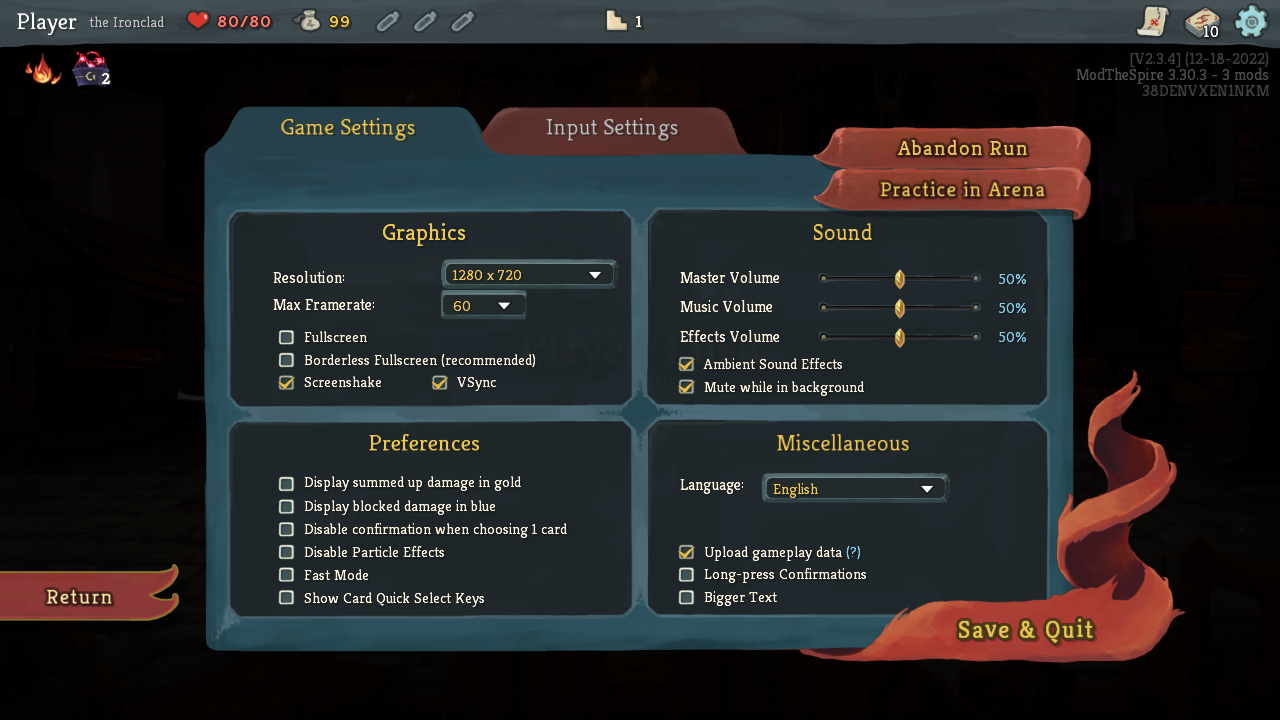
The "Practice in Arena" button appears in the pause menu during normal runs
How It Works
- During a normal run, press Escape to open the pause menu
- Click Practice in Arena
- Your current deck, relics, and potions are saved as a new loadout
- Select an encounter to practice against
- After practicing, you can return to your normal run
Note: Your normal run save is completely protected. Arena practice doesn't affect your run in any way.
Practice from Death Screen
If you die during a normal run, you can also practice from the death screen:
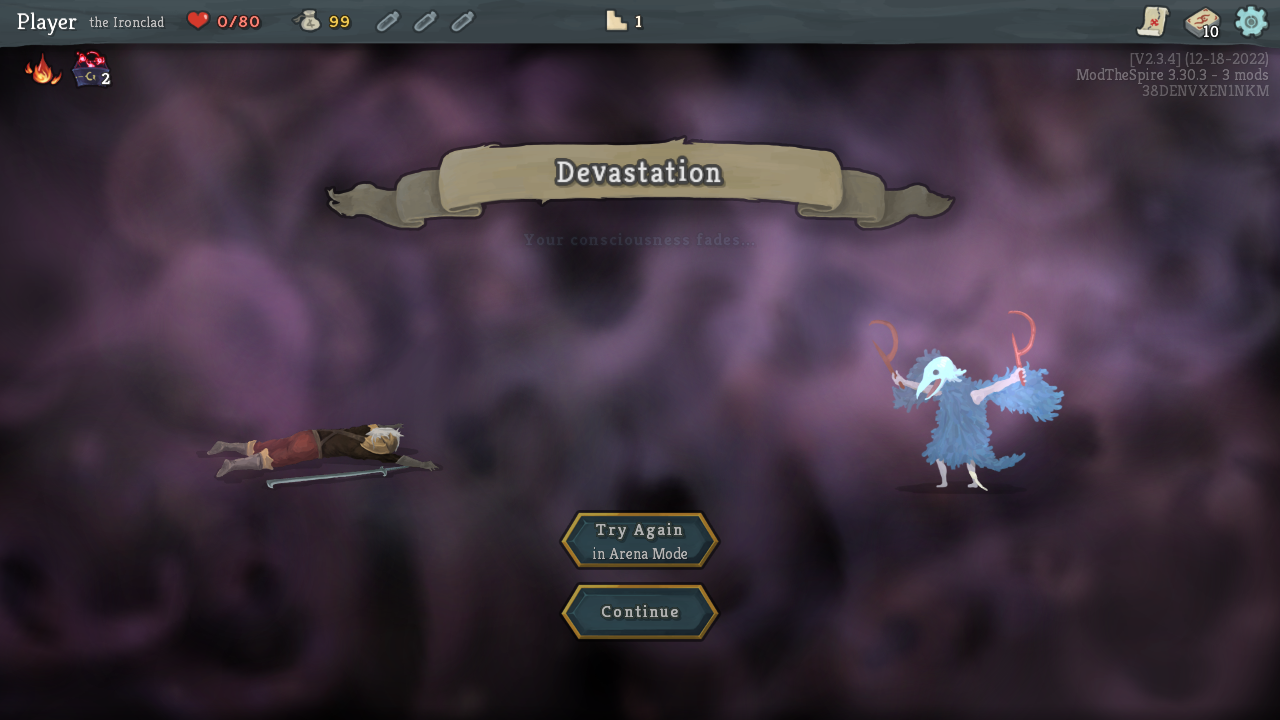
The death screen includes a "Practice in Arena" button to analyze what went wrong
This is especially useful for analyzing tough fights - you can immediately retry the encounter that ended your run with the exact deck you had.
History & Statistics
Fight History
View your recent arena fights with detailed information:
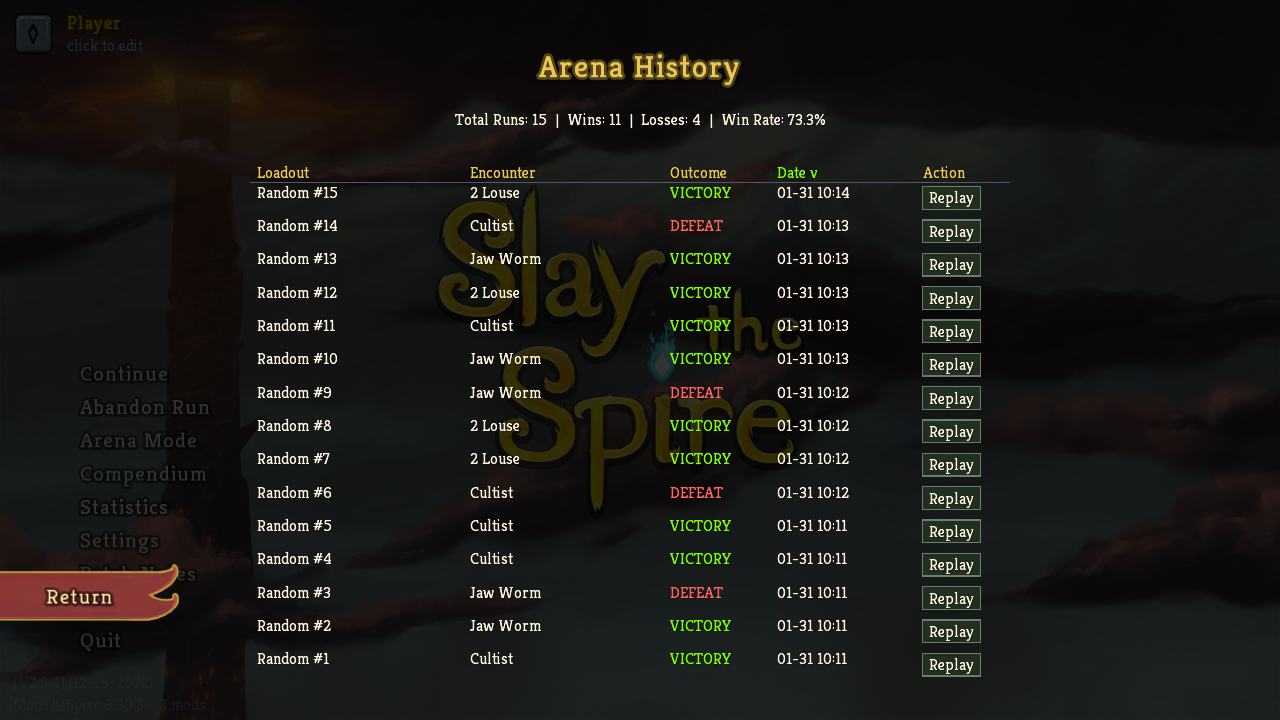
Fight history shows loadout, encounter, outcome, and date
Statistics Screen
Track your performance across loadout+encounter combinations:
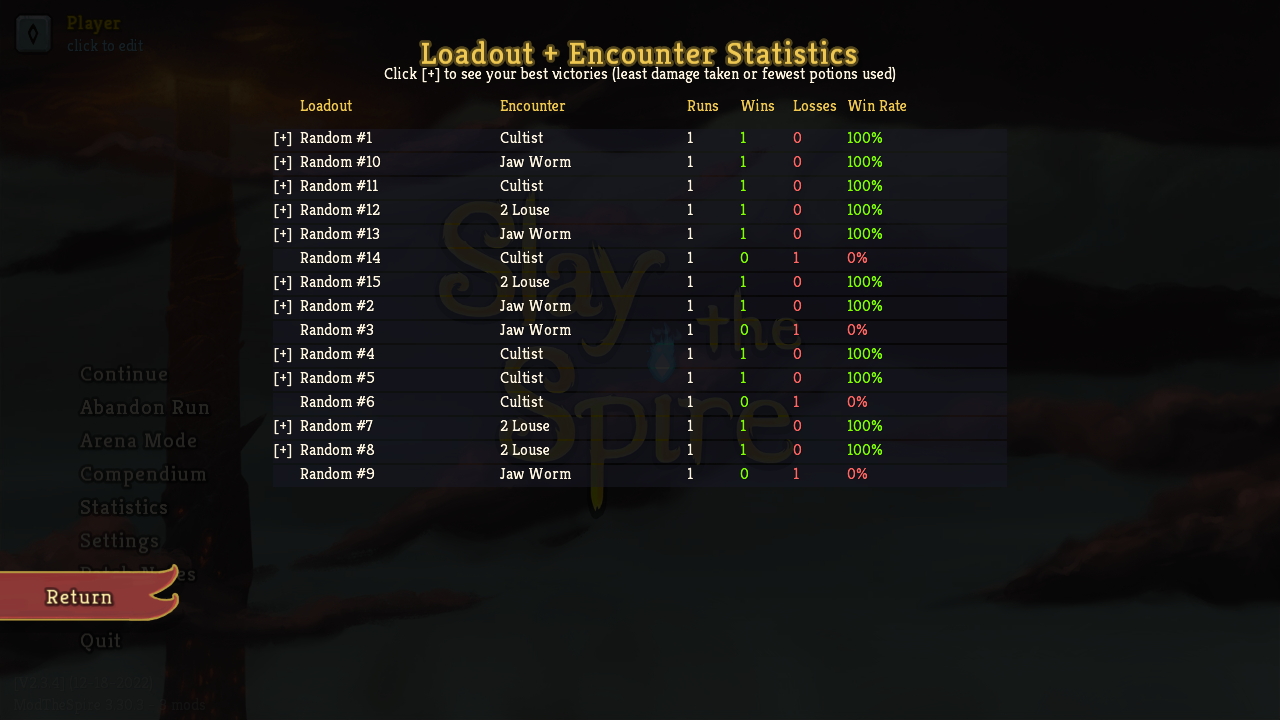
Statistics show win rates for each loadout vs encounter
Tracked Metrics
- Win/Loss counts and win rate
- Damage dealt and taken
- Turns per fight
- Cards played
- Potions used